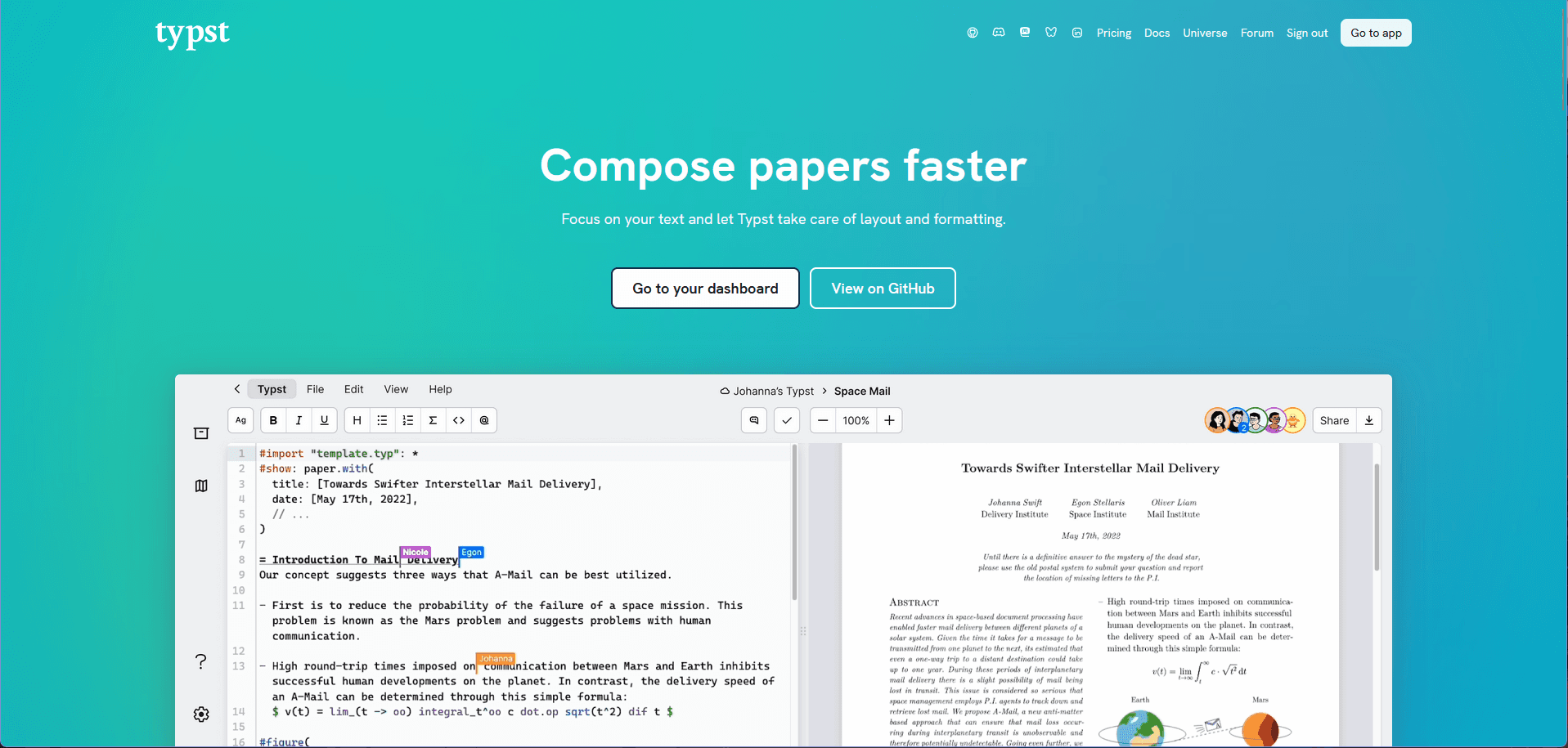
My Adventure with typst
737 words • 4 min read
#The start
So before we dive in to how my adventure with Typst went, let's start by how I found out about it and also introduced a coworker to it (that was more amazed than me).
As usual I went to work this morning, hence im an apprentice I often switch departments. And I recently had switch to a new one.
Also as part of my apprentice I have to make a documentation about what I learned.
##The thought
So I begun to create a Word document with my template as all the 3 years of my apprentice before. But then it struck me: "What if I make my documentation in LateX?". I had this thought in my mind for a while now, because a friend of mine introduced me to it and I also wanted to try Overleaf.
##LateX & Overleaf
In the evening, after work, I begun to thinker and started a overleaf docker container on my home server. I tried it for a bit but quickly started to dislike the way LaTeX worked and the syntax was structured.
So I went to bed...
#Love at first sight
The next morning when I woke up I had some time to spare until I had to leave for work so I watch youtube and that is when it happened. I saw a video on my feed...
As I was watching the video I realized that this was exactly that, what I hoped LaTeX would be. Easy to write text, functionally designed, easy to read syntax and not all the clutter LaTex comes with. I immediately fell in love with it.
When I arrived at work I started to convert my Word document into Typst, and o boy was it great.
Starting by how you define the layout of a document, custom templates, formatting specific parts and elements, the functional syntax and how easy it is to write when you are set up.
#Examples
Let me show you some examples:
##Basic Document Structure
One of the first things that impressed me was how clean and intuitive the syntax is. Here's a simple example:
text#set page(margin: 2cm)
#set text(font: "Linux Libertine", size: 11pt)

= Introduction
This is my documentation about what I learned in this department.

== First Section
Here I can write about my experiences and learnings.
The #set directive allows you to configure the document globally, and the heading syntax is so much cleaner than LaTeX's \section{} commands.
##Custom Templates
Creating custom templates is a breeze. You can define reusable components:
text#let task(title, description) = {
  box(
    width: 100%,
    fill: rgb("f0f0f0"),
    radius: 8pt,
    padding: 12pt,
    [
      *Task: #title*
      #description
    ]
  )
}

#task(
  title: "Learn Typst",
  description: "Convert Word document to Typst format"
)
This functional approach makes it easy to create consistent, reusable document elements.
##Tables and Lists
Tables are straightforward and readable:
text#table(
  columns: 3,
  [*Date*], [*Task*], [*Status*],
  [2025-08-15], [Setup Typst], [Done],
  [2025-08-16], [Write documentation], [In Progress],
)
And lists work just like you'd expect in markdown, but with more control:
text- First item
- Second item
  - Nested item
  - Another nested item
- Third item
##Math and Equations
Mathematical expressions are beautifully integrated:
textThe quadratic formula is:
$ x = (-b ± sqrt(b^2 - 4ac)) / (2a) $

Or as a block equation:
$ x = (-b ± sqrt(b^2 - 4ac)) / (2a) $
#The Result
After converting my Word document to Typst, I was amazed at how much easier it became to maintain and update. The version control integration is seamless - I can track changes just like any other code file. The compilation is fast, and the output looks professional.
My coworker, who I introduced to Typst later that day, was even more impressed. They immediately started converting their own documentation and haven't looked back since.
#Conclusion
Typst has completely replaced Word as my default document creation tool. The combination of:
- Clean, readable syntax
- Functional programming approach
- Fast compilation
- Great output quality
- Version control friendly workflow
...makes it the perfect tool for technical documentation, reports, and any document where you want both control and ease of use.
If you're tired of fighting with Word's formatting or LaTeX's complexity, I highly recommend giving Typst a try. You might just fall in love with it too!